 Outreach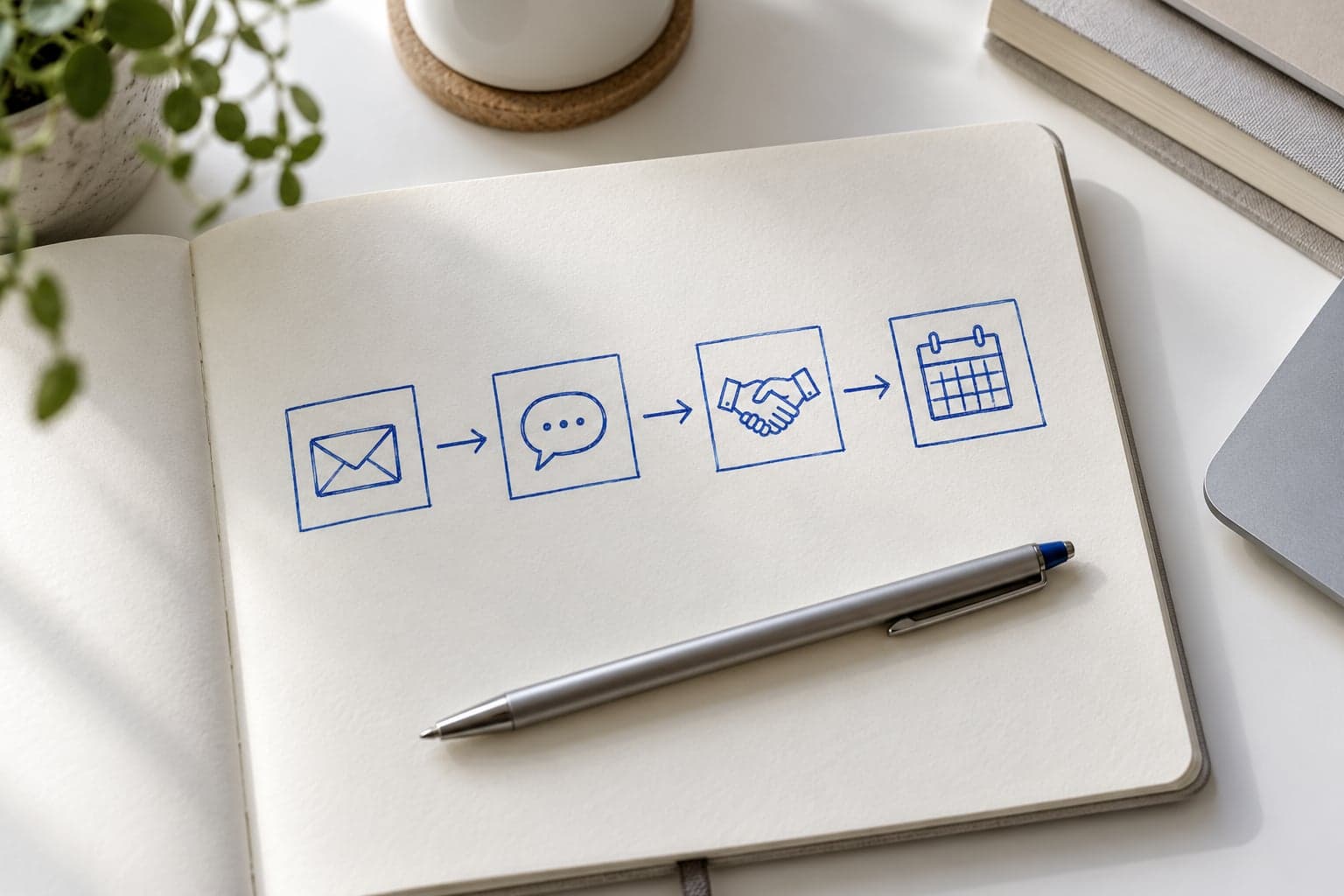
Many outreach campaigns fail because they try to do too much.
They have too many steps, too many asks, and too many different ideas crammed into one sequence. The result is not sophistication. It is friction.
A better campaign is simpler.
Its job is to create steady, relevant contact over time without making the sequence feel repetitive or desperate.
Here is a practical way to design one.
1. Start with one campaign goal
Before choosing steps, define the goal of the campaign.
For example:
- start qualified conversations
- reopen dormant relationships
- move warm leads toward a call
Do not try to do all three at once.
The goal shapes:
- the tone
- the number of touches
- the type of CTA
- the spacing between messages
2. Build around a progression, not just a list
A good sequence should progress.
That means each touch has a role:
- create relevance
- add value
- stay visible
- make a light next-step ask
If every message is basically the same ask in different words, the campaign will feel repetitive fast.
3. Keep the number of steps modest
Most simple outreach campaigns do not need many steps.
In practice, a clean range is often:
- 3 to 5 touches
That is enough to create repetition and familiarity without dragging the sequence into noise.
Longer campaigns can work, but only if the contact type and relationship justify them.
4. Make each step different enough to matter
Each touch should bring something new:
- a different angle
- a different piece of context
- a different type of value
- a different level of ask
For example:
- first touch: why the person is relevant
- second touch: useful idea or observation
- third touch: brief follow-up with a different framing
- fourth touch: low-pressure close or redirect
Variation matters because it keeps the sequence from feeling like a loop.
5. Match the CTA to the stage
One of the most common sequence mistakes is asking for too much too soon.
Early touches should usually use lighter CTAs such as:
- worth exploring?
- curious how you are handling this now?
- open to seeing a short example?
Later touches can escalate if there is interest.
The campaign works better when the ask grows with the conversation instead of trying to skip ahead.
6. Use timing to create rhythm
Spacing matters almost as much as copy.
Too close together feels pushy. Too far apart kills continuity.
A simple rule is to leave a few days between touches and keep the overall sequence compact enough that the contact still remembers the earlier messages.
You are trying to create momentum, not pressure.
7. Design for one audience at a time
The more mixed the audience, the weaker the sequence usually gets.
Campaigns are stronger when they are built for:
- one buyer type
- one problem
- one offer angle
That makes the steps easier to write and easier to trust.
8. Build the campaign around message types
Instead of thinking only in steps, think in message roles.
For example:
- introduction
- value touch
- follow-up
- nurture redirect
- close-the-loop message
This helps sequence design stay useful even if the actual wording changes later.
9. Avoid making every step a pitch
If each touch sounds like a mini sales email, the whole campaign will wear down quickly.
A stronger sequence mixes:
- relevance
- insight
- proof
- follow-up
That creates a more natural cadence.
10. Review campaigns based on response patterns
Campaign design improves fastest when it is reviewed against real behavior:
- where replies happen
- where drop-off happens
- which steps feel redundant
- which CTAs are too heavy
That feedback is more useful than endlessly rewriting the sequence from instinct alone.
A simple 4-step campaign structure
One practical example:
- Intro touch Reference relevance and make the reason for outreach clear.
- Value touch Share one useful idea or observation tied to the problem.
- Follow-up touch Reopen the thread with a different angle, not a repetition.
- Light close Offer one simple next step or gracefully end the sequence.
That structure is simple, but it covers the main jobs a campaign needs to do.
Building the sequence in Outreach
Open Campaigns and create a new campaign, or open an editable campaign to change its steps. System campaigns are read-only.
- Enter the Campaign Name and select a lead magnet if the sequence uses one.
- Give each step a label, timing, and the touch types it is intended to cover.
- Open Advanced on a step and use Link AI Prompt and Link Message Template to attach saved Library inputs for drafting.
- Save the campaign, then enroll an eligible contact from Contacts or an add/import flow.
At runtime, a step becomes due using its configured day value from enrollment creation for the first step, or from the previous completion for later steps. Completing a step starts the wait for the next one; Skip step brings the next step forward to today. Plan your rhythm around actual completion rather than assuming all touches will land on fixed dates.
For LinkedIn, check the campaign's connection requirements before enrolling. A connection-first sequence begins with a Connection Request at step 1, handled by the extension workflow, and later steps wait for connection acceptance. A LinkedIn sequence without that first request needs an already-connected contact. See Understand the Contact Enrollment Lifecycle for the eligibility rules.
The daily queue gives you the manual work to perform. Draft and send the message, then click Done to log and advance. Replied closes an outbound sequence and starts default nurture; completing the last step marks the sequence completed. Repeating nurture cadences keep scheduling check-ins instead.
Final thought
A good multi-step outreach campaign does not feel complicated from the inside.
It feels intentional.
Each step has a role. Each message adds something new. Each ask matches the stage of the conversation.
That is usually enough to make a sequence feel professional, repeatable, and worth sending.